Teaching Kids Money Without the Stress: How Smart Families Use Allowance Apps to Build Financial Confidence

The Money Talk Every Parent Dreads—But App-Based Allowances Make It Easy
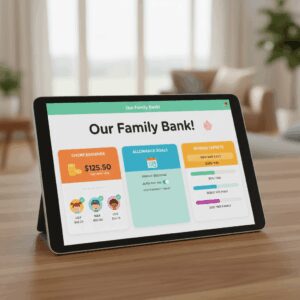
If you’ve ever felt paralyzed trying to explain why your teenager can’t just “make more money” or watched your child spend their entire allowance on one impulse purchase, you’re not alone. According to recent data, families struggle to teach financial literacy in practical, hands-on ways. But there’s a modern solution that’s transforming how millions of families handle money conversations: kid-friendly budgeting apps that combine digital allowances, chore tracking, and real financial education.
The best part? These apps don’t just manage money—they automate the tedious parts (no more nagging about chores) while giving kids the autonomy to make actual financial decisions. You set the rules; the app enforces them. Your kids learn by doing.
Why Traditional Allowance Systems Are Failing Modern Families
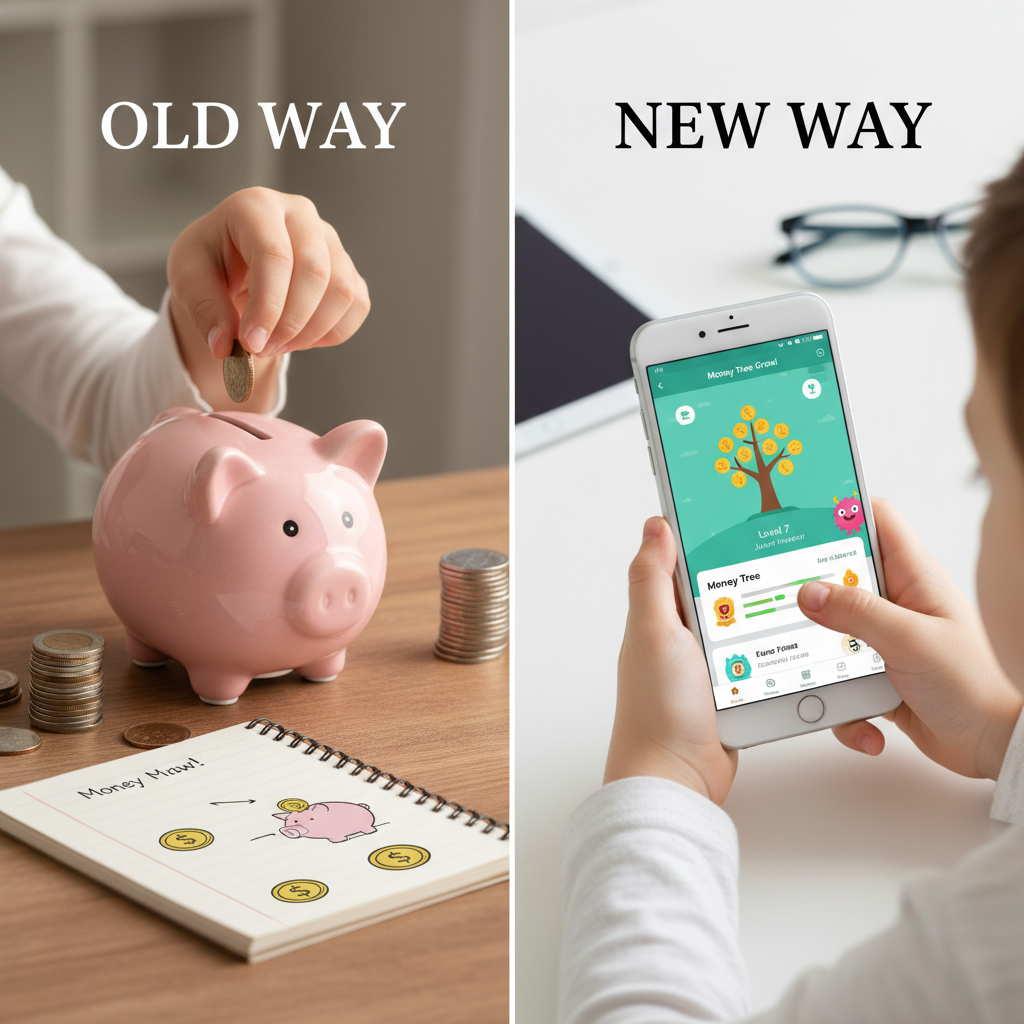
Cash allowances feel ancient. Paper chore charts get lost. And having “the money conversation” at the dinner table? That rarely ends well. Traditional methods create friction, inconsistency, and missed teaching moments.
Modern family budgeting apps solve this by creating a transparent, gamified system where money moves instantly, chores are tracked automatically, and kids see cause-and-effect in real time. When your 12-year-old completes their chores and watches money appear in their account, that’s financial literacy happening organically.
The Top Family Budgeting Apps: What Actually Works in 2025
GoHenry: Best for Real-Time Parental Control + Education
GoHenry stands out as the Swiss Army knife of allowance apps, combining weekly allowance automation, chore tracking, spending limits, and financial education in one platform.[1] At $4.99 per month per child, it’s priced competitively for families with multiple kids.
What makes it powerful: Parents can set store-specific spending limits (so your teen can’t blow their budget at the mall), receive real-time spending alerts, and watch their child earn points and badges through “Money Missions”—interactive financial literacy lessons. Your child sees exactly how much they’ll earn for each task before they start, which creates intrinsic motivation.[1] The debit card integration means money moves instantly when tasks are completed, not weeks later.
Best for: Families with kids ages 6–18 who want strong parental controls combined with financial education.
FamZoo: Best for Multi-Child Families Who Want Comprehensive Banking
FamZoo operates like a virtual family bank, not just an allowance tracker.[1] At $5.99/month for the entire family (no per-child fees), it’s ideal if you have multiple kids and want one unified system. The “First Dibs” feature lets kids bid on chores on a first-come basis—teaching them that work is competitive and rewards go to those who act fastest.
Key features: Automatic allowance payouts, the ability to tie chores and odd jobs to rewards or penalties, instant transfers between family members’ accounts, and parental controls like locking/unlocking the card to limit spending.[1] Parents appreciate the loan-teaching tools—you can actually create family loans so teens understand debt and interest.
Watch out for: The interface feels dated compared to newer apps, and no physical card is included (it’s virtual-only).
Greenlight: Best for Teens Learning to Invest and Manage Complex Finances
Greenlight is purpose-built for families with older kids who are ready to graduate beyond basic spending and saving.[3] Starting at $5.99/month for up to five children, it combines chore tracking with investing education—a critical skill most teens never learn.
Standout features: Real-time spending notifications for parents, customizable spending limits, savings goal tools, location-sharing for safety, and educational content through interactive learning.[3] The investing component means your teen can actually purchase fractional stocks or ETFs, turning abstract concepts into tangible wealth-building. The app is designed with great UX, making it engaging rather than feeling like homework.
Best for: Families with teenagers (14+) who want to introduce investing and more sophisticated money management.
BusyKid: Best for Teaching Giving and Real Stock Investing
BusyKid takes a unique angle: it combines chore management with real stock investing and charitable giving options.[4] At $48/year for the family (roughly $4/month), it’s one of the most affordable options on an annual basis. The app lets kids invest their earnings in real stocks, creating a powerful long-term wealth-building habit.
What sets it apart: Beyond earning and spending, kids can allocate portions of their earnings to charity—teaching generosity alongside financial independence. The family pricing model means adding more kids costs nothing extra, making it perfect for larger families.
Occasional downside: Users report app glitches, though the core functionality remains solid.
Crew: Best for Families Wanting Free (But Powerful) Basics
Crew offers a free basic plan with family accounts, kids’ debit cards, digital pockets for savings, and allowance management.[2] If you’re hesitant to commit to a subscription, Crew lets you test the model without financial risk.
Why it matters: Free doesn’t mean limited. The basic tier includes all core features most families need. Premium features cost extra, but you can start for $0.
How to Actually Implement These Apps: A Practical Setup Guide
Step 1: Choose Your App Based on Your Family’s Needs
Ask yourself: Do I have multiple kids (FamZoo or BusyKid)? Do I want heavy parental oversight (GoHenry)? Is my teen ready to invest (Greenlight)? Are we budget-conscious (Crew free tier)? Your answer determines which app serves your family best.
Step 2: Automate the Weekly Allowance
Set up recurring allowance payments that hit your child’s account on the same day each week—no manual intervention needed. This teaches consistency and removes the “Mom forgot to give me my allowance” excuse. Most apps allow this in 2–3 taps.
Step 3: Create a Tiered Chore System
Separate mandatory chores (brushing teeth, making bed) from earning chores (mowing the lawn, washing the car). Mandatory chores shouldn’t earn money—they’re part of family responsibility. Earning chores are optional and tied to rewards. This distinction prevents entitlement.
Step 4: Implement the 50/30/20 Split (or Your Own Ratio)
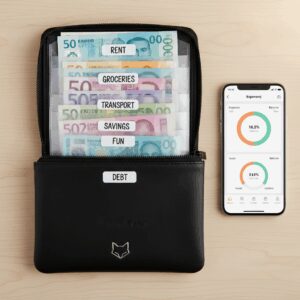
When money lands in your child’s account, have them split it: 50% to spend freely, 30% to medium-term savings (a purchase they want), 20% to long-term savings or giving. Most apps let you set “pockets” or sub-accounts for this. It’s financial literacy in action.
Step 5: Set Parental Controls and Let Go (Gradually)
Younger kids need tight controls—category limits, spending notifications for parents, transaction approvals. Teens need looser controls to learn from mistakes. Adjust permissions as they age and prove responsibility.
The Real ROI: What Happens When Kids Actually Learn Money Skills
Research shows kids who use allowance apps develop better spending habits, save more consistently, and feel more confident making financial decisions. They’re not just learning theory—they’re living it. When your 10-year-old watches $8 of their $20 weekly allowance disappear on a disappointing impulse purchase, they internalize the lesson better than any lecture ever could.
Parents report less nagging about chores, fewer money-related arguments, and kids who voluntarily seek additional earning opportunities. That’s the goal: intrinsic motivation replacing external pressure.
Pricing Comparison: Finding Your Budget
Free or Nearly Free: Crew (free basic tier), FreeKick with $3,000 deposit (free plan)[1]
Budget-Friendly ($48–72/year): BusyKid ($48/year family), FamZoo ($71.88/year if paid annually)
Mid-Range ($5.99–$14.99/month): GoHenry ($4.99/month per child), FamZoo ($5.99/month), Greenlight ($5.99/month up to 5 kids)
Premium Options: Monarch Money ($14.99/month for full-featured family budgeting)[2]
The key insight: most allowance apps cost less than a family dinner out per month. Compare that against the lifetime financial literacy your kids gain, and the ROI becomes obvious.
Common Mistakes Parents Make (And How to Avoid Them)
Mistake 1: Setting it and forgetting it. Apps automate tasks, but they don’t replace conversations. Review your child’s spending monthly. Ask questions. Make it a teaching moment.
Mistake 2: Punishing kids for app glitches. Sometimes payments delay or chores don’t sync. Don’t hold it against them. Fix the technical issue and try again.
Mistake 3: Changing the rules constantly. Consistency matters. Set clear rules at the start and stick with them for at least 3 months before adjusting.
Mistake 4: Choosing the cheapest option without testing. Free trials exist for a reason. Try GoHenry’s system, then FamZoo, then Greenlight if needed. The $5–10 you spend testing is worth finding the right fit.
The Bottom Line: Your Family’s Financial Future Starts Today
Allowance apps aren’t just about managing money—they’re about building confident, financially literate humans. Whether you choose GoHenry for its educational games, FamZoo for multi-child efficiency, Greenlight for investing education, or BusyKid for its affordability and giving focus, the act of starting matters more than perfection.

Pick an app this week. Set it up this weekend. Have the money conversation on Monday. Your kids will thank you in 10 years when they’re navigating their own finances with confidence instead of panic.
Unlock Full Article
Watch a quick video to get instant access.